
News Blog & Press
Is DuckDuckGo REALLY Private?
DuckDuckGo is the first private search engine and they just announced they surpassed 100 million daily search queries. Is searching using DuckDuckGo really private?

News | Back to all news |
Is DuckDuckGo REALLY Private?
We get asked this question almost every day.
DuckDuckGo is really the first private search engine and they just announced they surpassed 100 million daily search queries.
The better way to answer this question is WHY do you use DuckDuckGo?
We are guessing you want to hide your searches from Google and Big Tech right? Or maybe you want to hide your searching from your Internet provider.
The good news…DuckDuckGo DOES NOT share your search queries or track you.
The REALLY BAD NEWS…
Google can see everything you searched for when you use DuckDuckGo.
There is some kind of Google tracker on almost every website out there. So using a private search engine does NOT hide your identity from Google when you visit it.
The truth is there is no such thing as a private search engine. In fact DuckDuckGo even proved it.
There is a way to use any search engine privately…and THAT is what you are really trying to do right?
You can use ANY search engine (yes even Google) privately with a virtual private browser.
In fact with TraceFree you can turn Google INTO a private search engine because they cannot identify you, your device or your true location.
We shot a video using the top VPN, top rated private browser and DuckDuckGo to show you that you are NOT PRIVATE.
Here is the video.
If you don’t believe us, try it yourself.
See if your private search engine is REALLY keeping you private.
Here is the Private Search Engine Test.
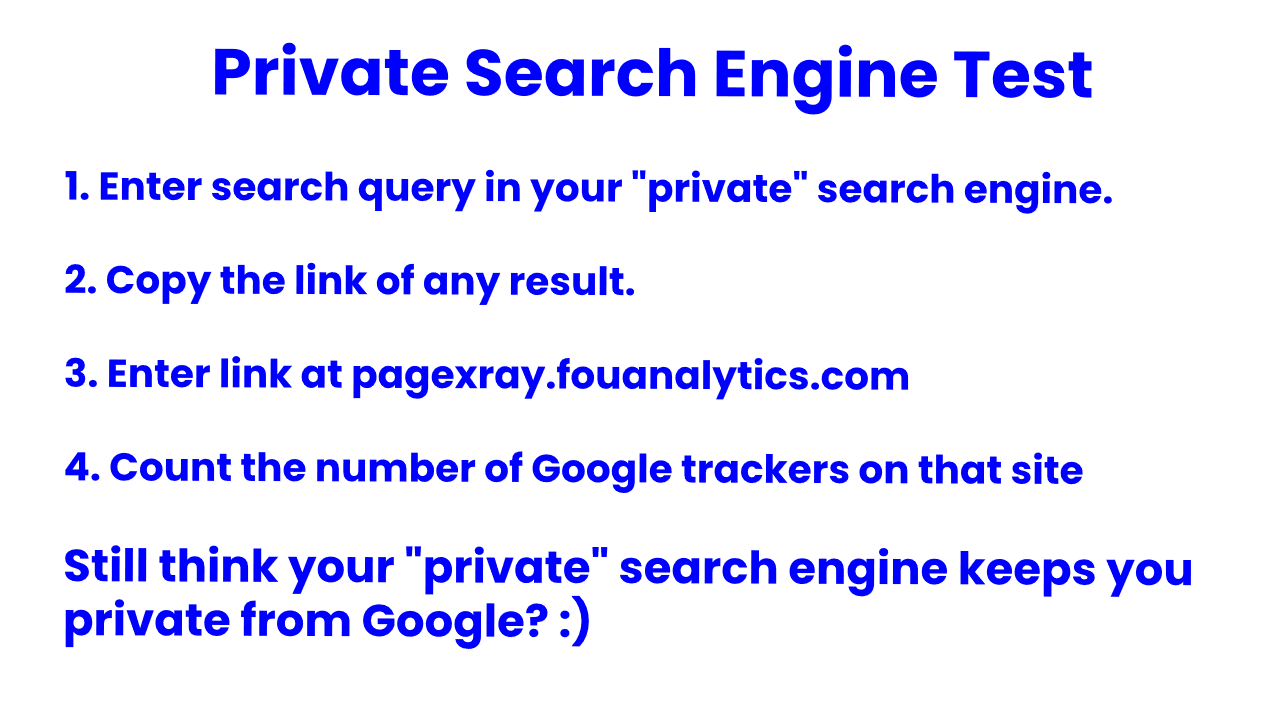

Now do you want use ANY search engine privately?
Do you want to hide your searches from your Internet provider?
Finally, there is never any search history or browsing history on your computer with TraceFree.
TraceFree is now available for Windows OS. You can start a 7 Day Free Trial today!

Popular Posts
- A True Online Privacy Test
- Dept of Defense Adopts Cloud Browser
- Online Privacy Tips
- A Virus Free Browser For Windows
- 4 Things A VPN Won't Tell You
- Google Is Tracking You On Sex Sites
- How To Hide Your Identity Online
- The Difference Between TraceFree & A VPN
- How To Always Get The Lowest Prices On Amazon
- There's No Such Thing As A Private Search Engine






Introducing Trace Free

The Safest Way To Browse The Web
“Always Safe Always Private Browsing”